Using pcmanfm 0.5? Why to upgrade to pcmanfm 0.5.1
pcmanfm 0.5.1 is both a bugfix and a feature release. The purpose of this blog post is to pick out the gems why you really want to upgrade. If you have just a few seconds a minimal summary would be, that you should upgrade for:
- fixes to critical bugs
- better keyboard support
- GUI customization
In more detail this is what is worth mentioning to me the most:
- Fixed: copy-paste-rename-escape-truncate bug (#2710035)
- Fixed: Running "pcmanfm foo" now opens directory
$PWD/foo(was$HOME/foo before) (#2715642) - Added: GUI options to ..
- display file sizes in kilobyte or kibibyte (#2250721)
- show/hide location bar
- show/hide side pane buttons
- show/hide tab bar even when there's just a single tab
- show/hide tab close buttons
- Added: Keyboard support extended:
- Tree navigation through
and (#2040282) (unassigned before)
- Tree navigation through
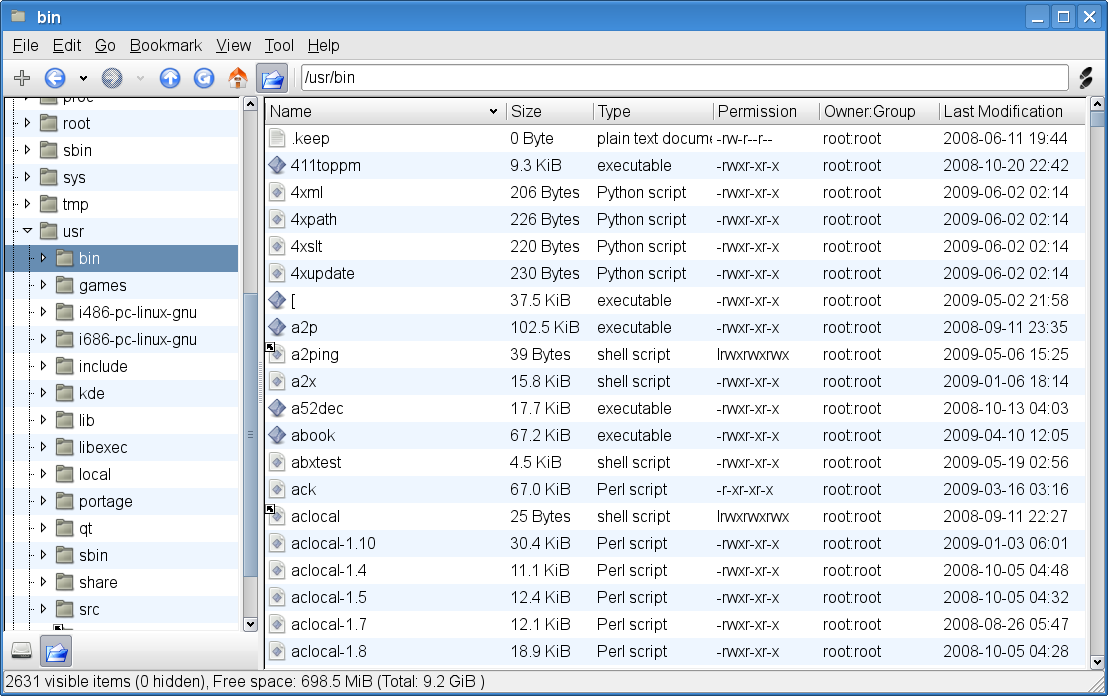
To me this means I can use copy-paste with less worries than in 0.5 and strip down the GUI what I really want to see. In 0.5 you get this view, no matter what:
Below is what I use now, most importantly without these side pane buttons that I came to really hate to have to look at.
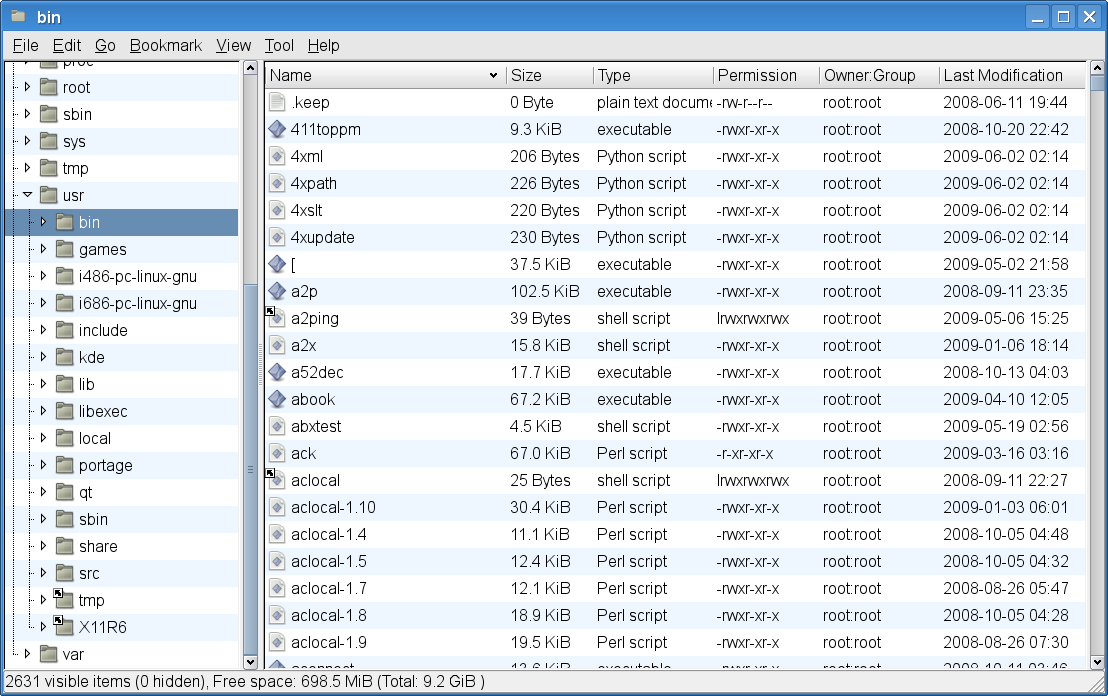
Thanks to Eugene Arshinov for making that pain optional (and for most of the other GUI improvements). If you're running Gentoo: The sping overlay has a bumped ebuild already.